
MESHSTORM
Building resilient communications for field operatives using LoRa, mesh networks and open‑source tools.
Overview
Project MESHSTORM equips our teams with long‑range, low‑power communication capabilities that remain operational when traditional infrastructure is compromised. By combining LoRa radio technology with decentralised mesh networking, MQTT messaging and Node‑RED dashboards, we are developing a toolkit for covert field operations, disaster scenarios and everyday resilience.
LoRa Technology
LoRa (Long Range) is a wireless modulation scheme enabling devices to communicate over several kilometres while consuming minimal power. It operates in unlicensed sub‑GHz frequency bands and excels at penetrating obstacles such as buildings and foliage. This makes LoRa an ideal foundation for off‑grid sensor networks and tactical messaging when mobile or satellite links are unavailable.

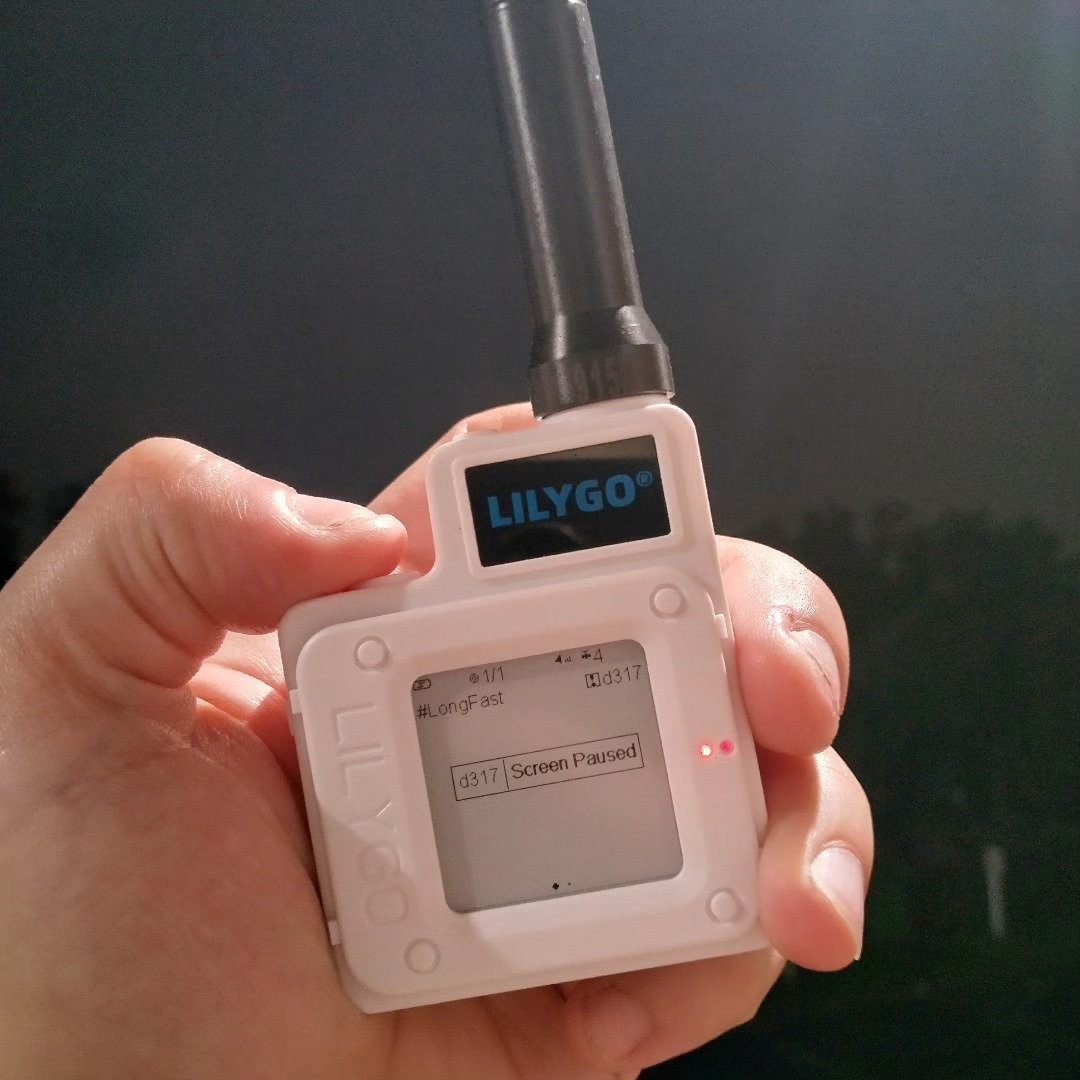
🧠 LILYGO T-Echo Board Breakdown (Model T-Echo T3 V1.0)
| Part | Description | Use |
|---|---|---|
| u.FL connectors (top + right) | For external LoRa & GPS antenna | Already connected and routed ✅ |
| USB-C Port (right edge) | 5V power & data | Your main power/input port |
| Reset + Boot Buttons | Lower right area | Used for flashing if needed |
| Battery JST Port (bottom left) | For 3.7V LiPo battery | Optional battery backup |
| SMA Antenna Jack (bottom center) | External antenna connected | Good signal integrity |
| Screen FPC (top left) | Connected but damaged screen | Doesn’t affect Meshtastic comms |
| Onboard Mic (middle) | Used for sound sensing (not needed for MESHSTORM, but interesting) |
✅ STATUS: FULLY FUNCTIONAL NODE CORE
Everything is wired properly.
You can run this without the screen by using:
- The Meshtastic app (Android)
- USB CLI via laptop
Mesh Networks
A mesh network allows each node to act as both a transmitter and a relay, passing messages along until they reach their destination. This architecture eliminates single points of failure and extends range by hopping packets through multiple nodes. In the field, a mesh network ensures that operatives remain connected even if individual radios drop out.
Meshtastic & Mesh Nodes
Meshtastic is an open‑source project that packages LoRa radios, microcontrollers and firmware into small, affordable transceivers. We are experimenting with Meshtastic nodes—handheld devices that send text messages, location pings and sensor data through the mesh. Each node can operate autonomously or connect to a smartphone via Bluetooth for a richer user interface.
⚙️ MESHTASTIC NODE ROLES: What's the Difference?
| Role | Description | When to Use It |
|---|---|---|
| Router | Always-on, forwards mesh traffic, does not sleep. No Bluetooth by default. | ✅ For HQ Nodes, relays, solar-powered relays |
| Router Client | Always-on like a router, but also keeps Bluetooth on so it can interact with phones | ✅ If the node is used as both a relay AND a phone access point |
| Client | Sleeps often to save battery, wakes up for messages, Bluetooth stays on | ❌ Not recommended for fixed, powered nodes |
What You Can Do On a Mesh Node
Individuals can connect to local mesh networks via the Meshtastic App using their phones as long as they:
✅ Join the node's channel with the correct PSK
✅ Our within LoRa radio range of the mesh node
✅ Bluetooth & permission are enabled on the phone/device
📶What Happens When a Phone Connects to the Mesh Node
- Send and receive messages through the mesh node
- See connected peers
- Monitor mesh traffic and channels
The phone/device becomes a passive participant in the mesh network
The phone can:
The phone can't transmit data via LoRa unless connected to a node, but it can piggyback off of other nodes to transmit data to nodes out of network.
What You Can Do With Phone + Meshtastic App + Local Active Mesh Node
| Function | Capable? | Notes |
|---|---|---|
| Send/receive messages | ✅ Yes | Through access to local node |
| Join encrypted mesh | ✅ Yes | Need correct PSK |
| Broadcast voice or alerts | ❌ | Not without node |
| Monitor traffic, test features | ✅ Yes | App is fully functional |
| Expand mesh range | ❌ | Needs physical node set-up |
Our Mesh Node Project
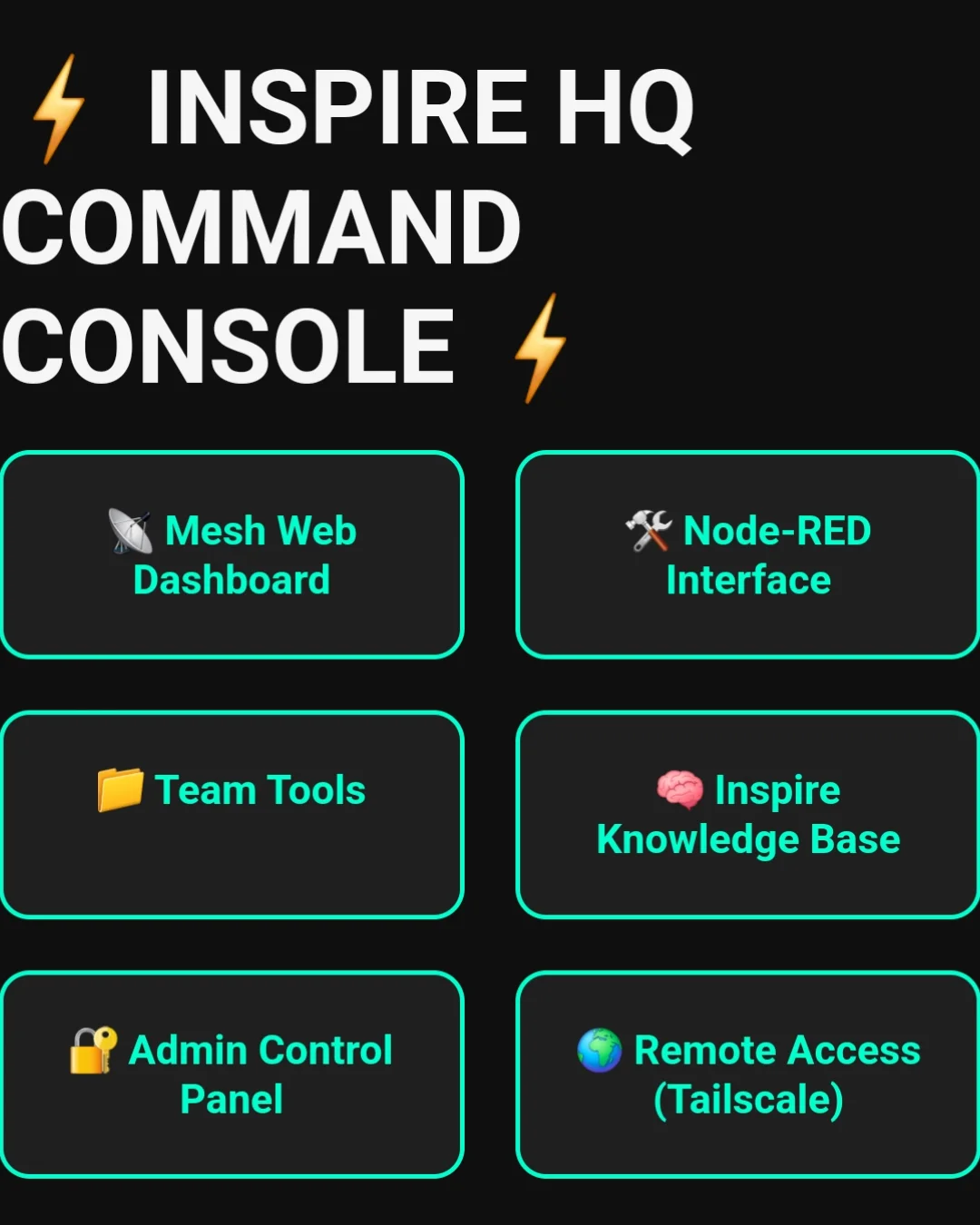
As part of MESHSTORM we design and assemble custom mesh nodes. Using readily available microcontrollers, LoRa modules and 3D‑printed enclosures, we build devices tailored to our operational needs. Paired with solar panels or battery packs, these nodes can run for weeks in the field. We are also developing a web‑based dashboard—our MESH Dashboard—to visualise node status, routes and messages in real time.
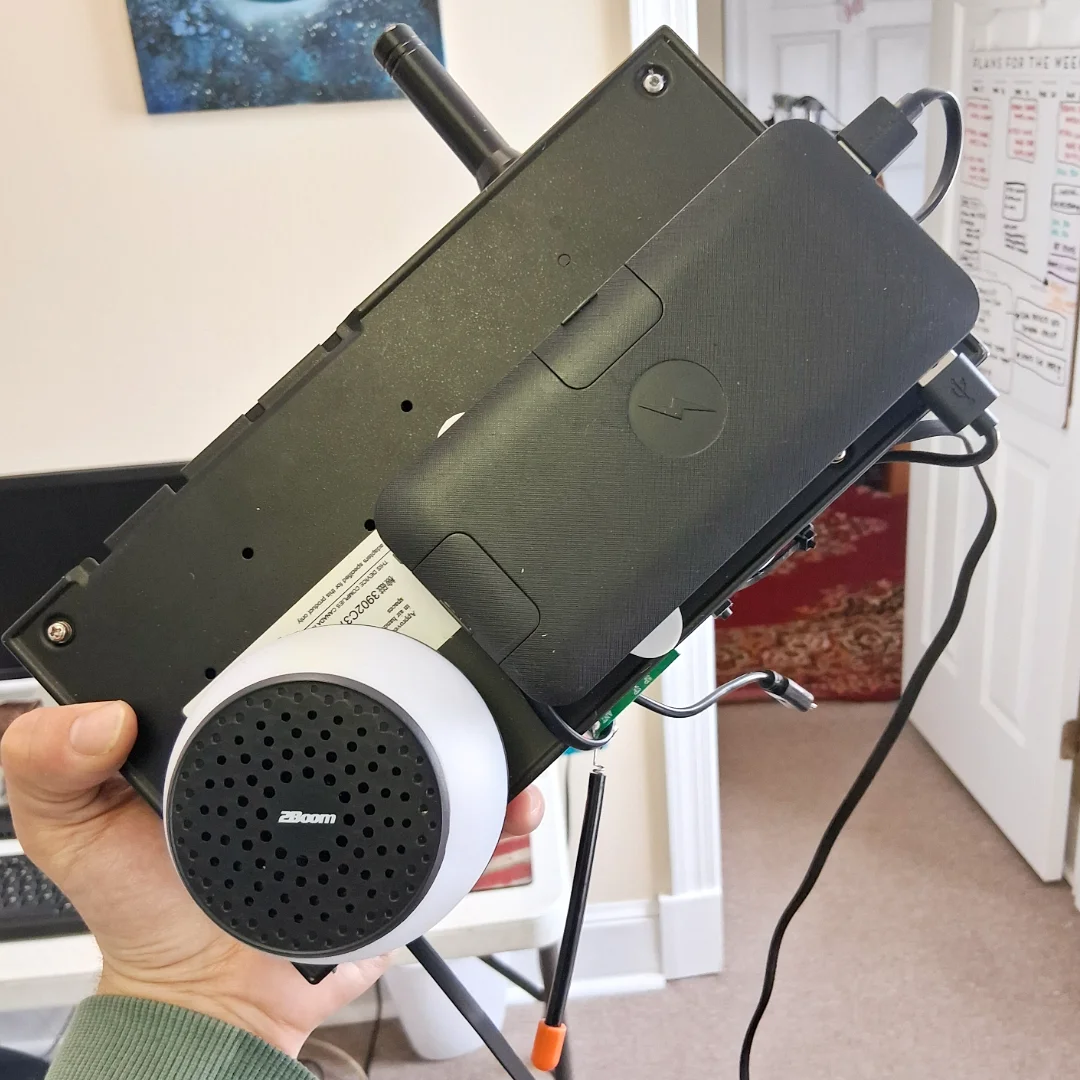
Is the Meshtastic mesh network visible to others?
Short answer:
Yes, but only in a limited and controlled way — depending on your settings.
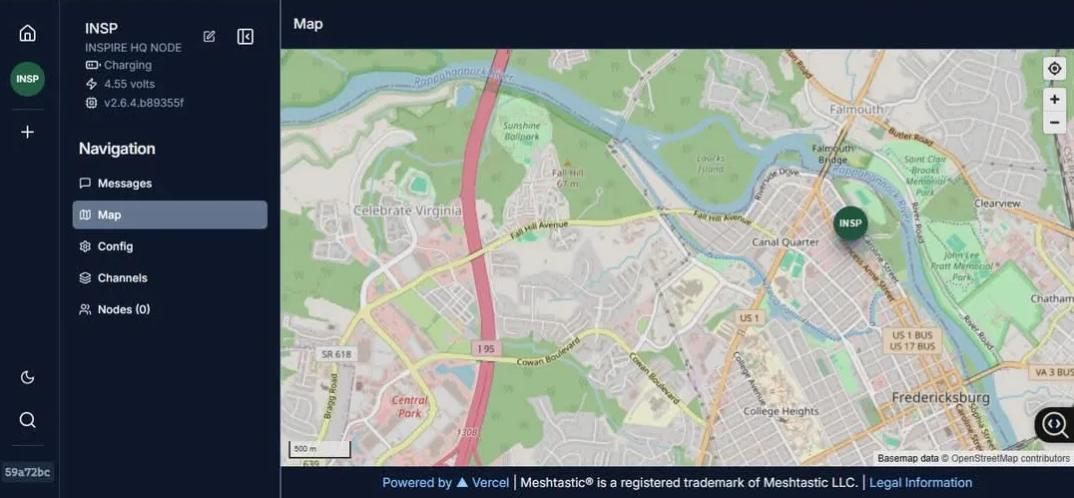
Here’s how visibility works:
- 1. Radio Broadcasts Are Unencrypted (by default)
LoRa signals used by Meshtastic can be detected by anyone with a LoRa radio or SDR scanner in range.
If you don’t enable encryption, your messages can be read by others using Meshtastic or tools like rtl_433.
- 2. Mesh Channels Have a Shared Key
Each mesh network operates on a Channel Name + PSK (pre-shared key) combo.
If someone doesn’t know your PSK, they can’t decrypt or interact — even if they hear the data.
Think of it like a Wi-Fi network name (SSID) with a password.
- 3. Bluetooth Is Discoverable
Your LilyGo T-Echo may be discoverable over Bluetooth if powered on.
Someone nearby can attempt to connect if you're not careful with app pairing settings.
So: Who can see your network?
| Person Nearby | Can Detect Node? | Can Read Messages? | Can Join Mesh? |
|---|---|---|---|
| LoRa hacker | Yes | Only if no PSK | Only if they know the PSK |
| Meshtastic User | Yes | Only if no PSK | Only if they know the PSK |
| Random Person | Maybe via Bluetooth | No | No |
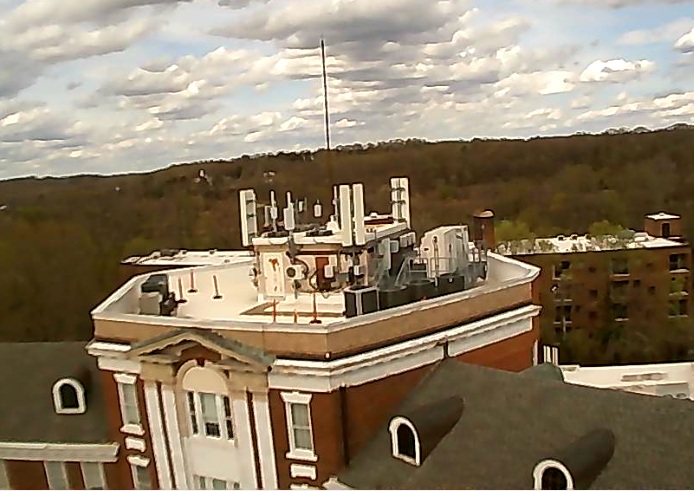
Meshnode Typical Ranges
| Environment Type | Estimated Range | Notes |
|---|---|---|
| Indoors (Urban) | ~100-250 meters | Signal weakens fast through walls/floors |
| Line of Sight (Outdoors) | 1-2 kilometers | If you place the node near a window or rooftop, you'll improve coverage. |
| Elevated Line of Sight | ~3-5 kilometers | If mounted on a rooftop or a pole with minimal obstruction. |
| Dense Buildings/Obstacles | ~50-150 meters | Concrete and metal structures reduce signal drastically. |
Factors That Affect Your Range
Antenna Quality
- The T-Echo comes with a decent built-in LoRa antenna, but upgrading to an external 915 MHz SMA antenna can double or triple your range.
- Mountain the antennae higher = better propagation.
Power Source
- Stable power from your battery bank is key. Low voltage can affect transmit power.
Obstructions
- Metal shelves, filing cabinets, and printers = LoRa killers.
- Try to place the node near a window or high up, ideally on the second floor or roofline.
Radio Settings (Region + Spreading Factor)
- Default is probably US915 with a Spreading Factor (SF) of 7, which balances speed + range.
- For longer range, you can increase to SF10 or SF12 but this slows down data rate and increases latency.
- SF settings can be changed using the CLI or app under Radio Config > Advanced Settings
MQTT & Node‑RED Integration
MQTT is a lightweight publish/subscribe messaging protocol suited for intermittent networks. MQTT lets your laptop (or any other device) communicate with the Meshtastic network — remotely, wirelessly, or locally — as long as:
- The node has wifi enabled and is connected to the internet!
- An MQTT broke (like Mosquitto or HiveMQ)is set-up
- The node is configured to publish that broker
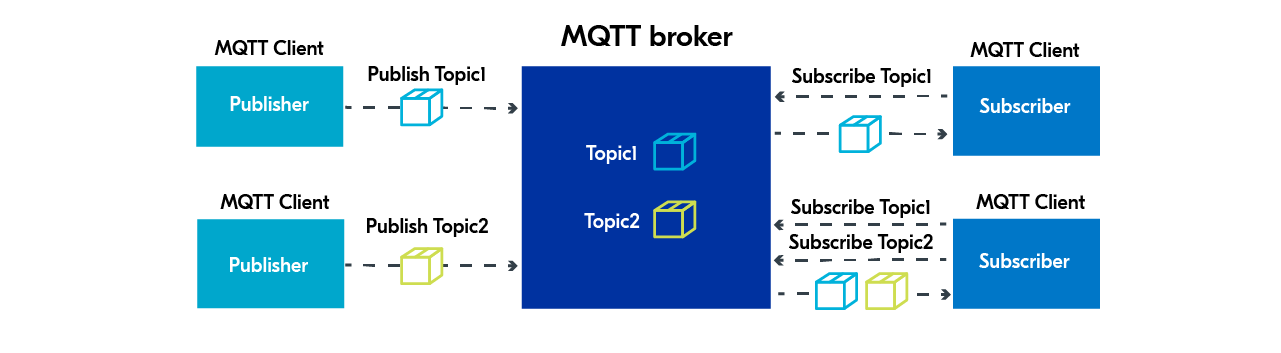
It basically turns your node into a LoRa-to-MQTT bridge, letting devices like laptops use the mesh over IP instead of USB.
In addition, our nodes forward data to a broker using the LoRa mesh, and Node‑RED flows aggregate, filter and visualise that data. This integration allows us to pipe sensor readings, positional updates and alerts into dashboards or other systems without heavy overhead.
Hosted Server for LAN/WAN Access
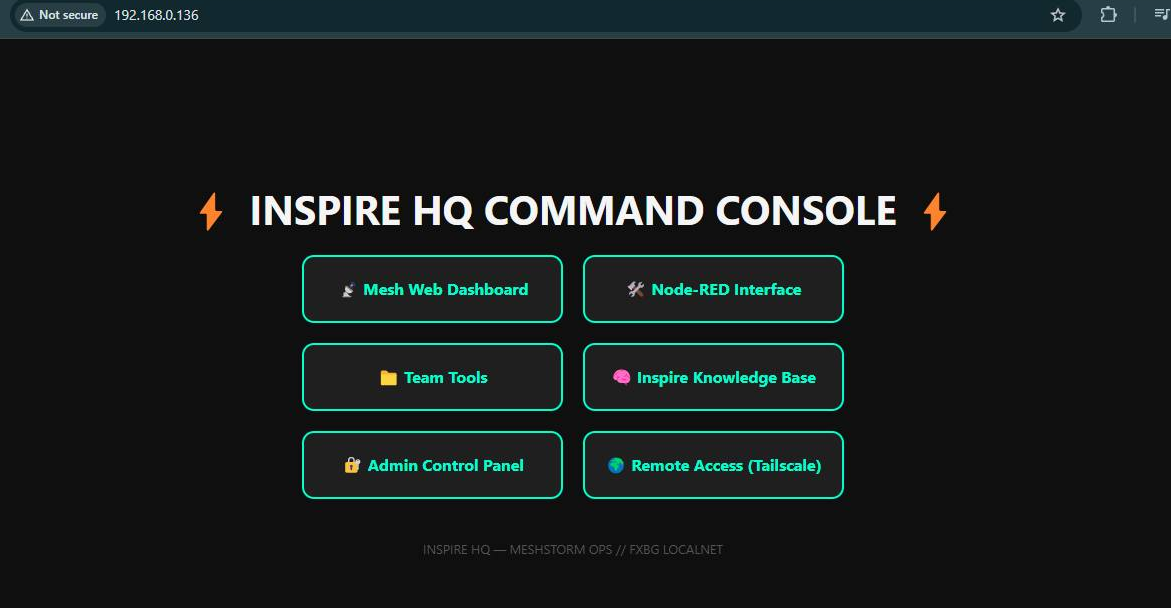
To make the dashboard accessible beyond the mesh, we deploy a self‑hosted server on repurposed hardware. This server bridges the LoRa network to LAN/WAN connectivity, enabling remote monitoring and control over standard internet connections when available. Even in stand‑alone mode, field laptops can connect locally to the server via Wi‑Fi.
Why Mesh Matters
Traditional communication channels can be jammed, surveilled or destroyed. A distributed mesh based on LoRa provides anonymity, redundancy and the ability to operate under the radar. For clandestine or humanitarian missions, such a network allows team members to share intel, coordinates and sensor data without relying on commercial towers or satellites.
Future Work & Goals
- Integrate additional sensor payloads (environmental, biomedical and chemical).
- Automate configuration and over‑the‑air updates for nodes.
- Expand the dashboard with mapping layers and mission‑planning tools.
- Collaborate with community projects to standardise protocols and interfaces.
Resources & Downloads
For those who want to build their own LoRa mesh network or integrate sensors and dashboards, these links provide the essential tools and documentation:
- Meshtastic Project – official documentation, firmware and community resources.
- Meshtastic Web Client & App Downloads – download the latest web and mobile clients to configure your nodes.
- MQTT – learn about the lightweight messaging protocol that underpins our mesh.
- Node‑RED – the visual programming environment used to build our dashboards.